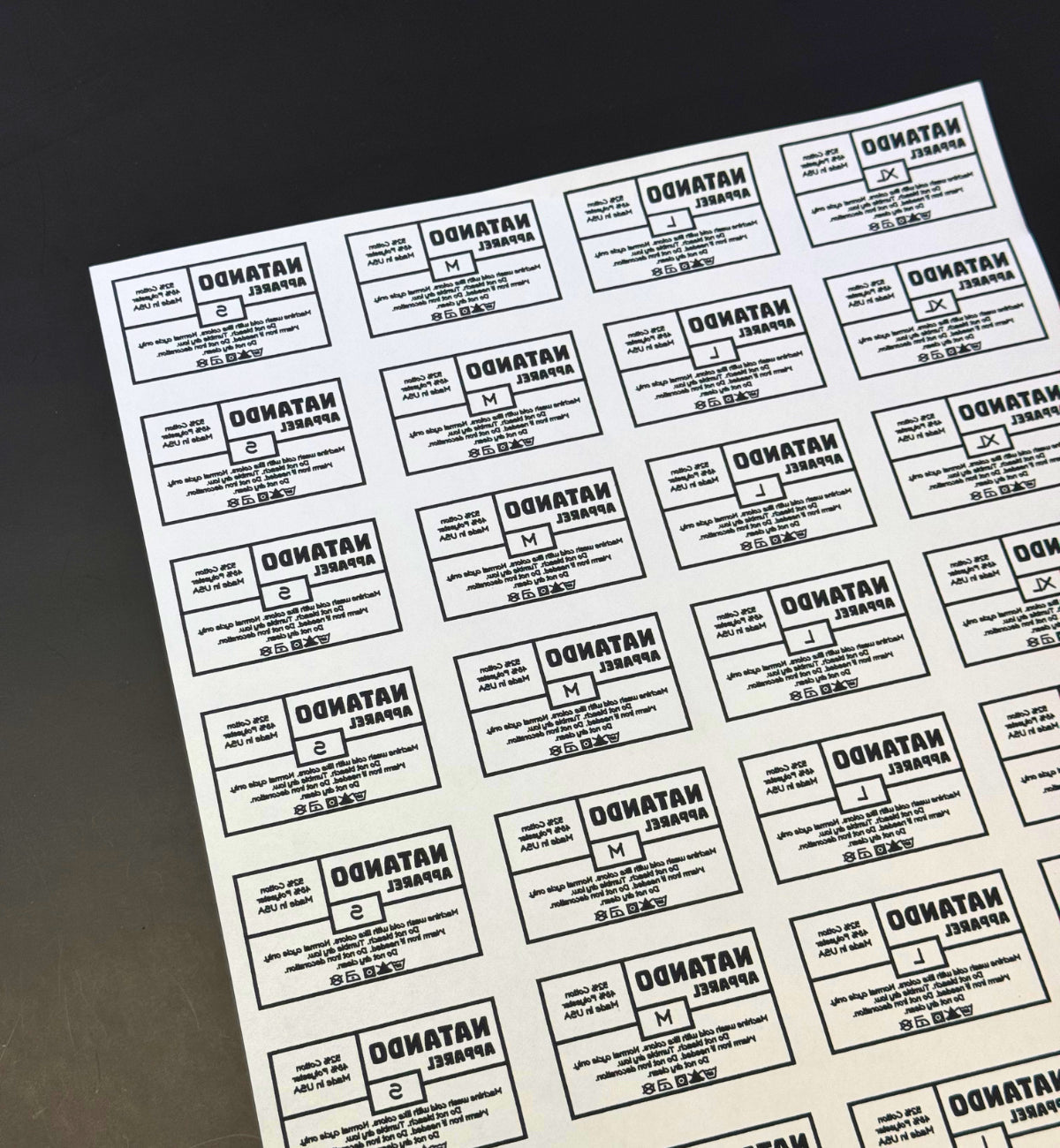

There are 4 critical factors to control for a quality heat transfer application.
- Time - The length of time in seconds that the heat press is engaged (closed) pressing the transfer.
- Temperature - The surface temperature of your heat press platen.
- Pressure - The clamping force that squeezes your transfer against the garment during application. For automatic or pneumatic machines pressure is measured by psi (pounds per square inch of air pressure). 60 psi is considered heavy pressure on most air assisted machines. Some manual machines have a nominal pressure readout of 0-9. 0 Represents light pressure and 9 representing heavy pressure. For manual machines without a digital readout we recommend that you use max pressure.
- Peel - Refers to how the paper backer is peel or removed after application. A "Hot Peel" transfer should be peeled immediately while the paper is still hot. For "Cold Peel" applications, allow the backing paper to cool to room temperature before peeling. To peel the transfer start by lifting the edge of one corner and pull diagonally across the design in a smooth deliberate motion.
In the video below, we'll show you have to adjust the basic settings on a Hix HT-400.